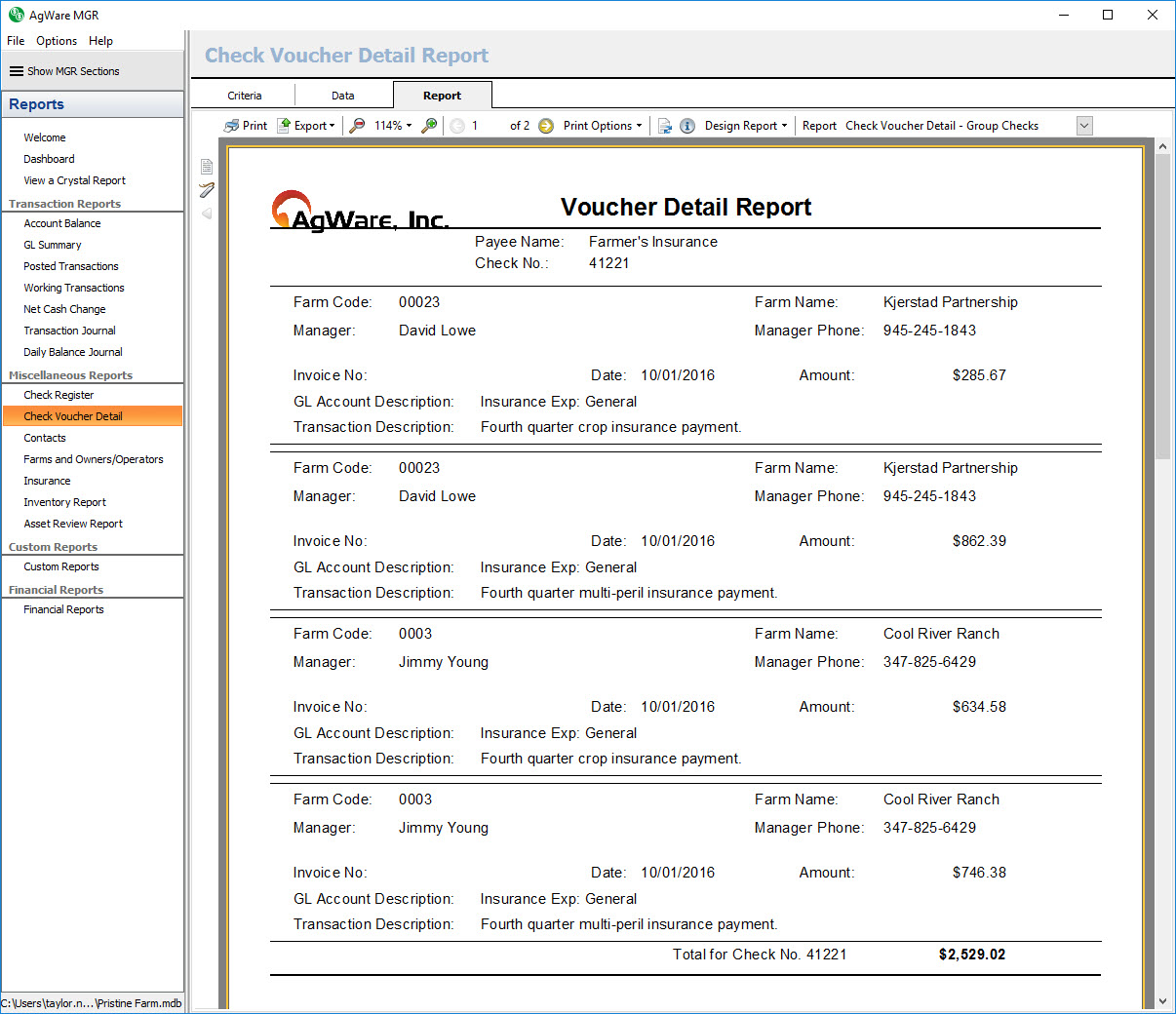
Check Voucher Detail Reports
The check voucher detail report section contains two system reports: Check Voucher Detail – All Checks and Check Voucher Detail – Group Checks. The criteria screen contains a check selector where you will choose the printed checks in unposted (working) batches you would like to see in the report.
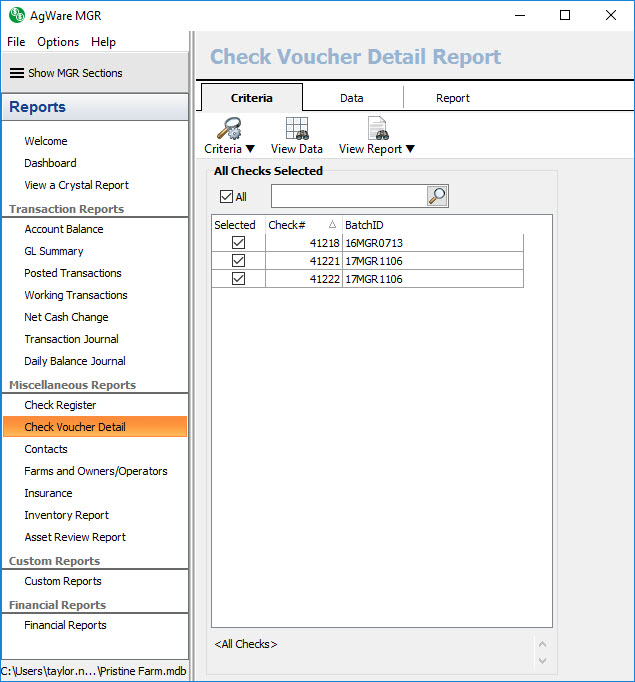
Check Voucher Detail – All Checks
The check voucher detail – all checks report shows a listing of all printed checks in unposted (working) batches grouped by check number and sorted by farm code. Each new check number will start a new page of the report. If it is a group check you will see the individual transactions shown, and then added together to show the actual check amount.
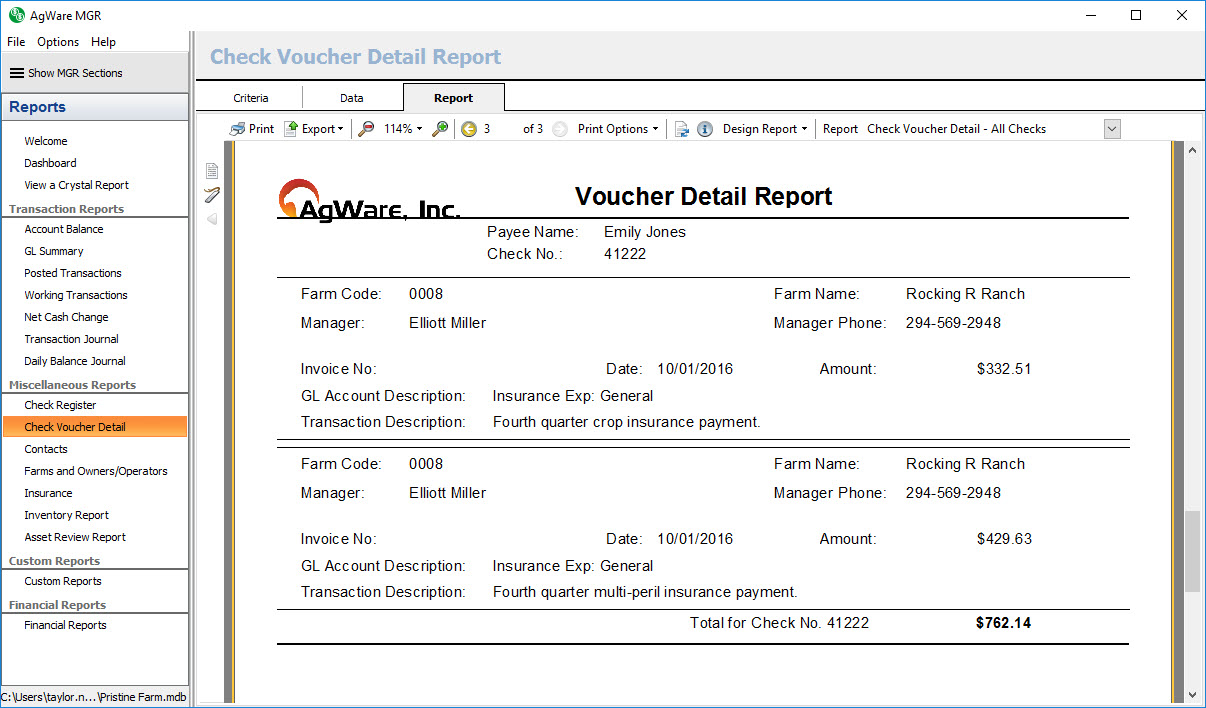
Check Voucher Detail – Group Checks
The check voucher detail – all checks report shows a listing of all printed group checks in unposted (working) batches grouped by check number and sorted by farm code. Each new check number will start a new page of the report. For each check you will see the individual transactions shown, and then added together to show the actual check amount.